 Xanthous Tech
Ring Sizer: Measure by Camera
Ring size measure & converter for Android and iPhone.


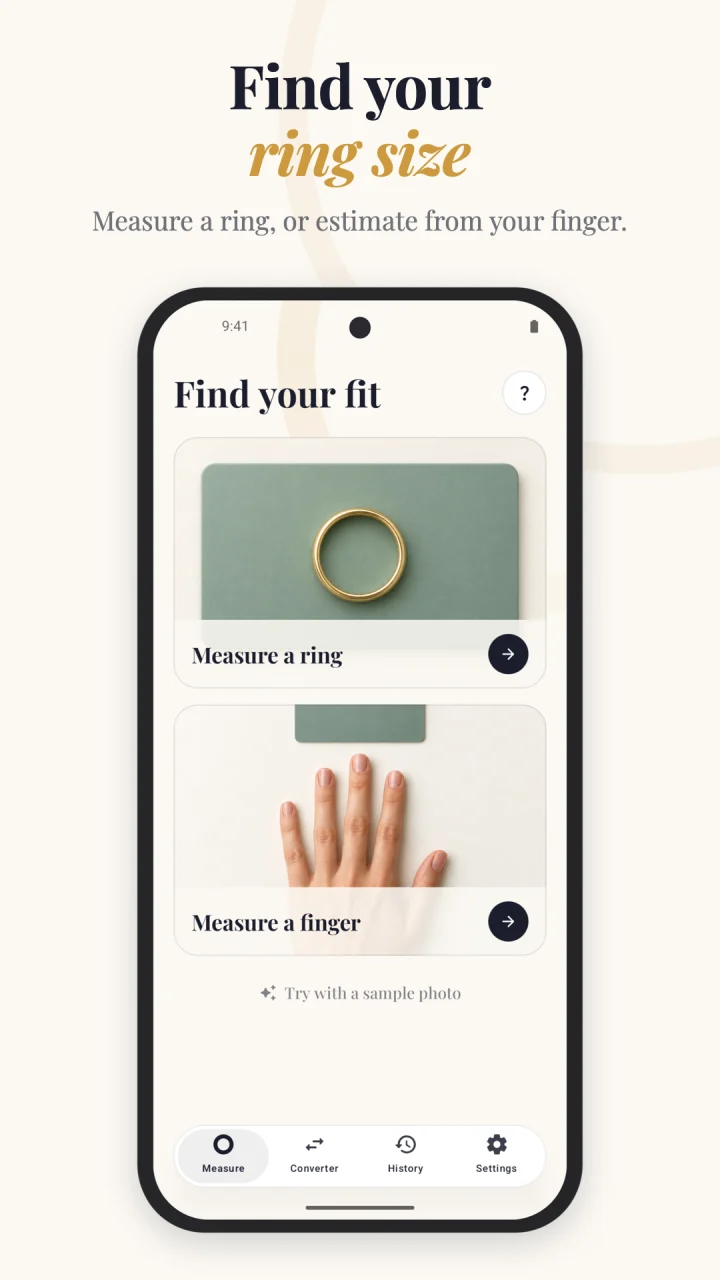
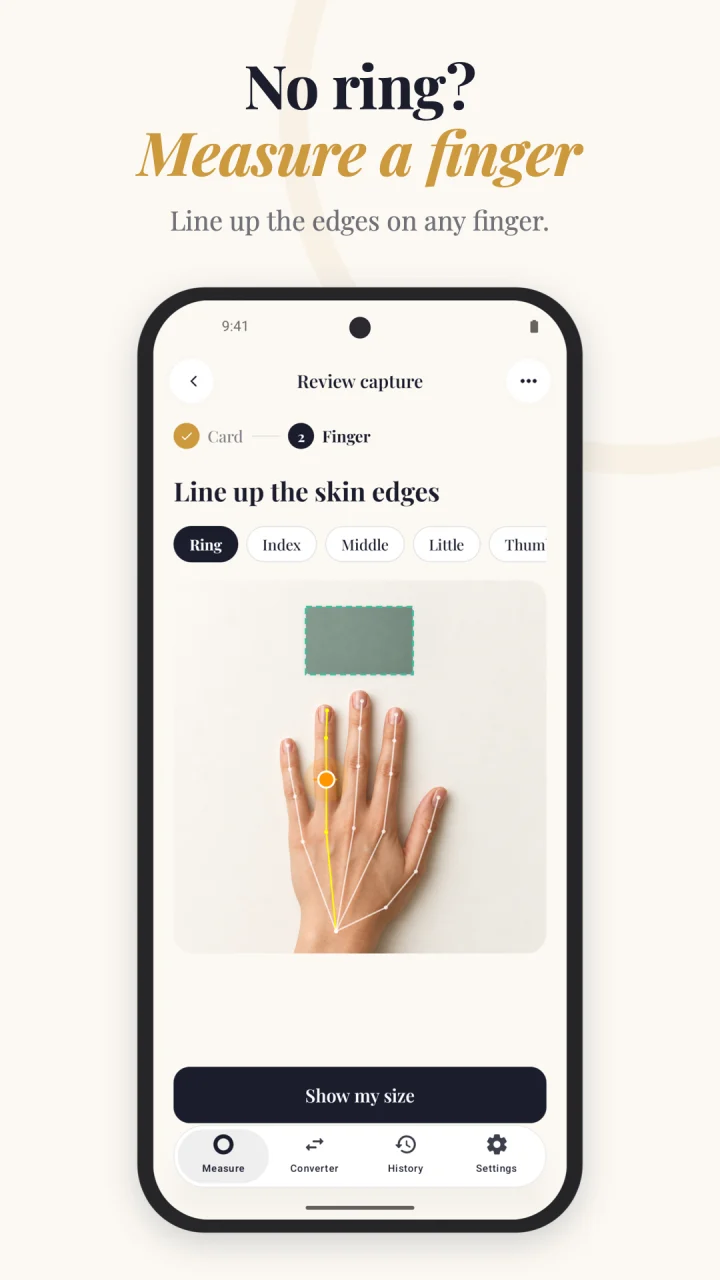
Estimate your ring size with your phone camera and a standard-sized card. Measure an existing ring or a finger, check the detected edges, and compare sizes across international charts.
Measure with a photo
Place a ring on or beside an 85.60 × 53.98 mm card on a flat surface. For fingers, place the card above a relaxed, spread-out hand. Use the level guide, take a photo, or choose an existing picture. The app uses the card as a scale reference and corrects perspective in the card’s plane.
Check the fit
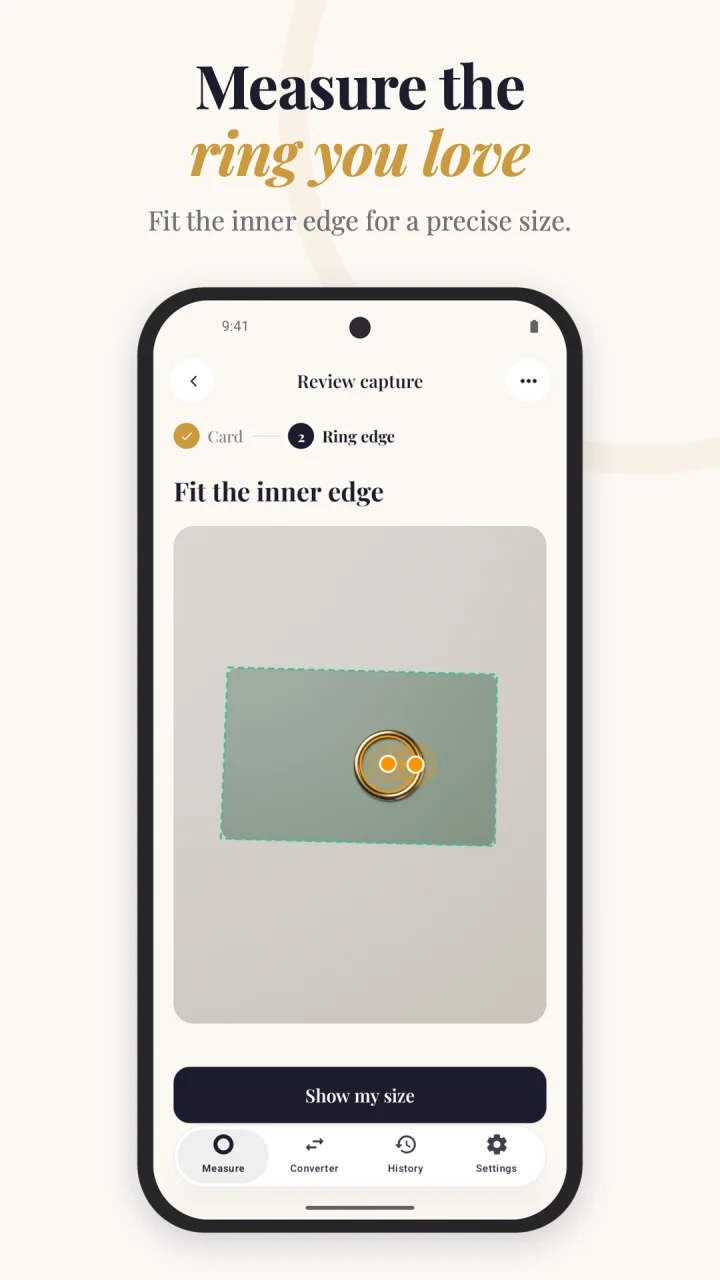
Review the card corners and ring’s inner edge with a magnifying view. Move the ring circle’s center or radius to refine the result. For fingers, slide the measurement along the detected finger to check a wider section or knuckle.
Convert ring sizes
Compare 15 sizing systems, including US/Canada, UK/Australia, European circumference, Japan, Hong Kong, mainland China, Taiwan, India, Brazil, South Korea, Argentina and Chile. Choose your country, preferred size system, and millimeters or inches. Published charts vary, so check your jeweler’s chart before ordering.
Keep your measurements
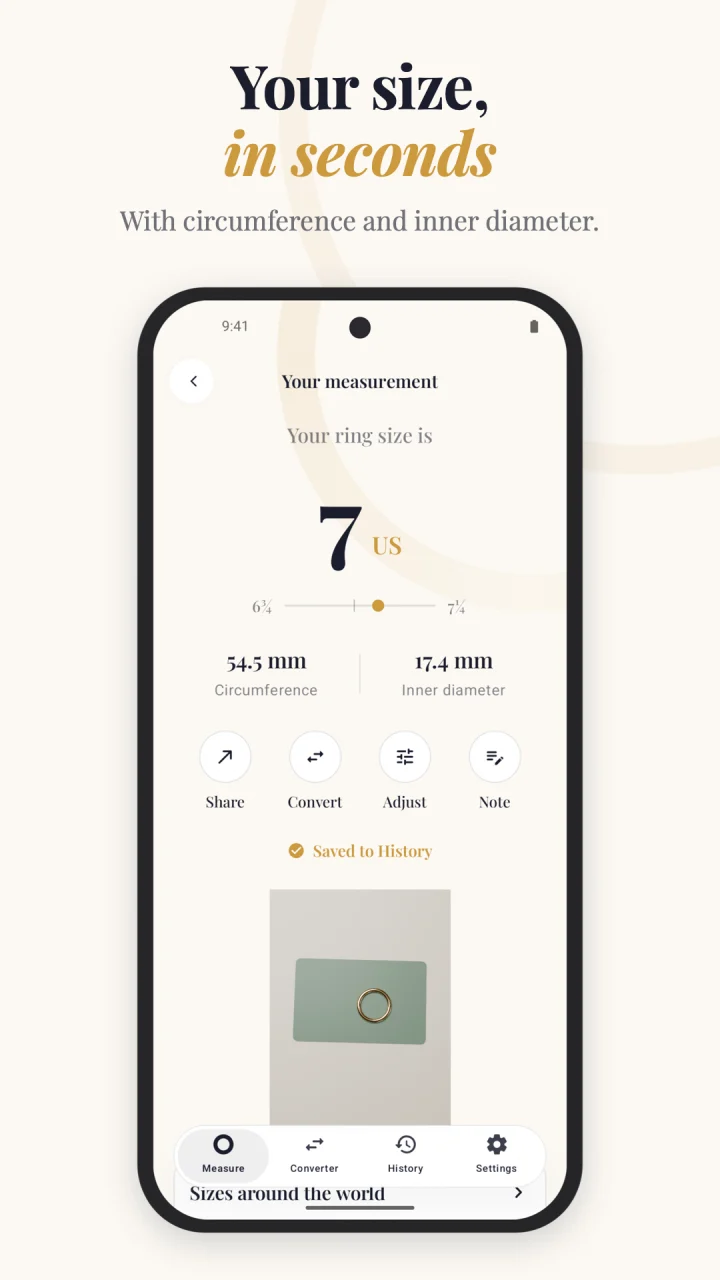
Save results, photos and adjustments in History. Reopen a measurement to review it, add a note, or compare sizes. On iPhone, your measurement folders are also available in the Files app. Delete one measurement or clear them all in Settings.
On-device processing
Measurement photos are processed on your phone. No account, advertising or tracking is required. The app does not upload measurement photos to a server, and the Android app has no internet access at all. Device backups and files you choose to share are controlled by you.
Before you order
Results are estimates, not a guaranteed fit. Lighting, camera angle, object height and card placement can affect accuracy. Finger circumference is estimated from visible width; fingers are not perfect circles. Scan a few times and confirm with a physical ring sizer or jeweler before purchasing.
Availability and help
Free on the App Store for iPhone with iOS 18 or later, and on Google Play for Android 9 or later.