 Xanthous Tech
Formz
Create, edit, and share Google Forms on iPhone and Android.


Formz is a phone-first editor for Google Forms, for iPhone and Android. Create forms, edit questions, publish and share links, and read responses, all from your phone. Formz connects to your own Google account, so everything is saved in Google Forms.
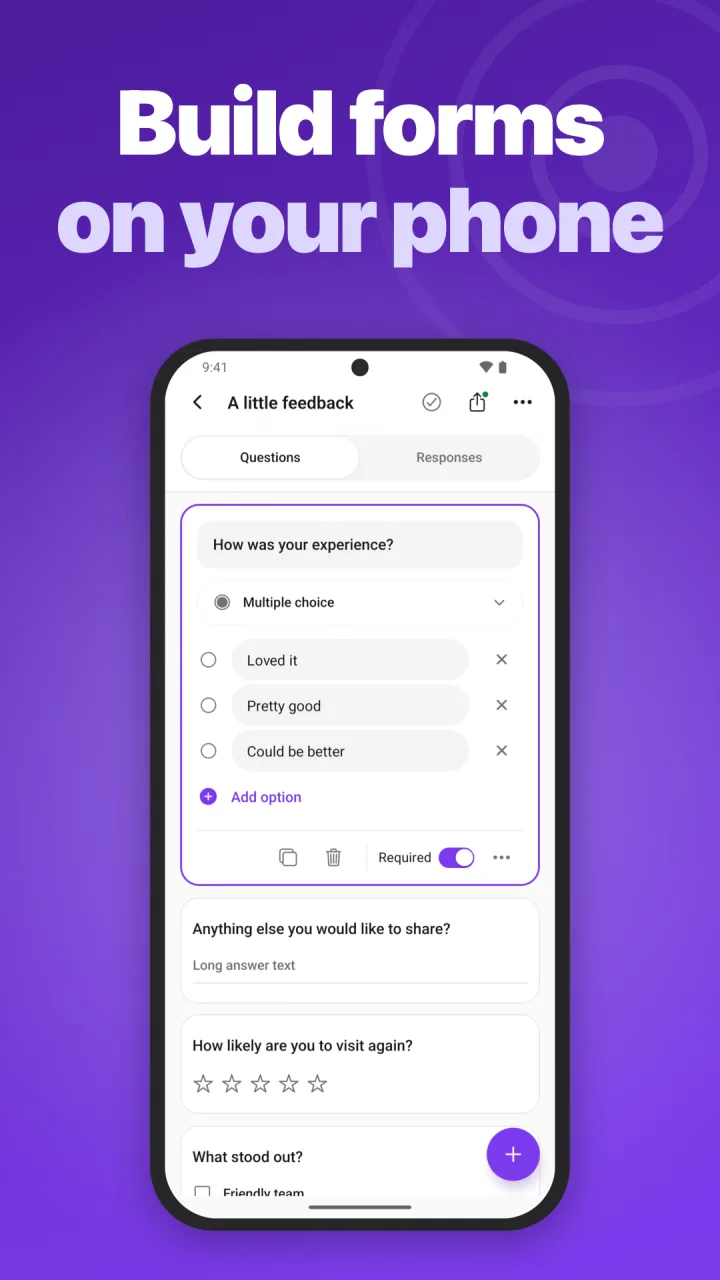
Build forms on your phone
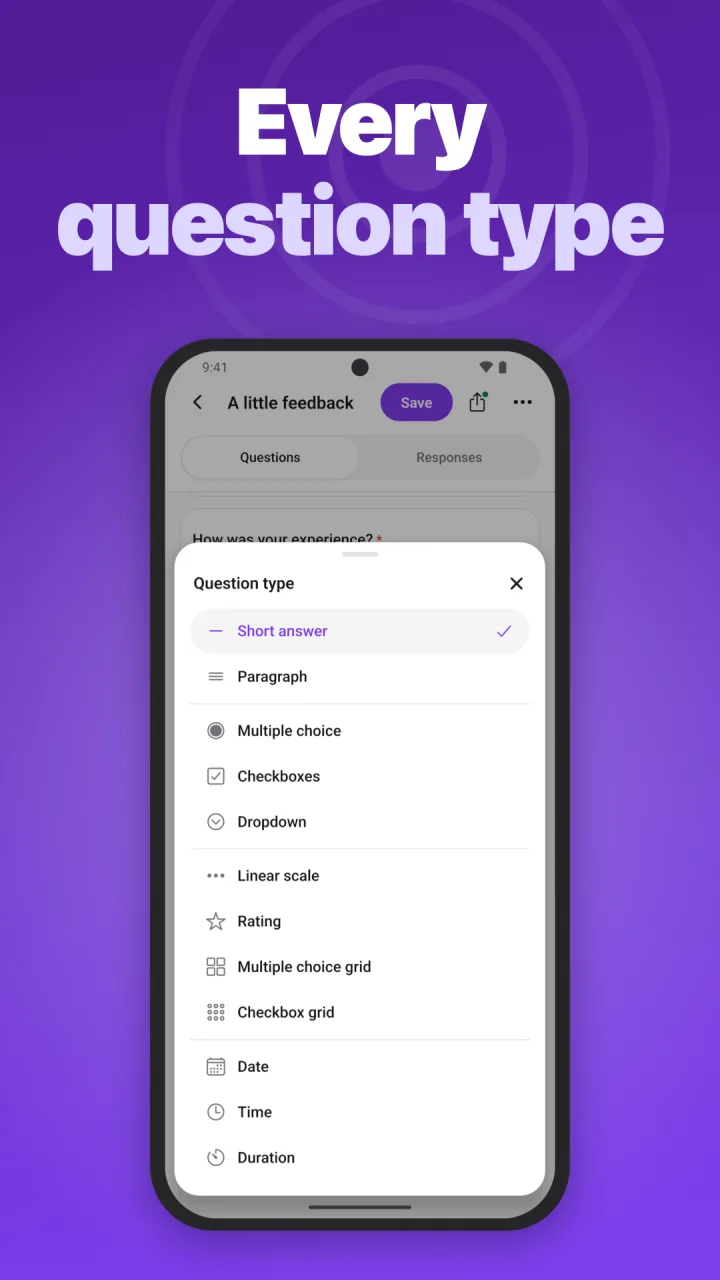
Add and edit questions: short and long answers, multiple choice, checkboxes, dropdowns, linear scales, ratings, grids, dates, and times. Mark questions required, remove them, and change the form title and description. Edits stay on your phone until you tap Save, then go straight to Google Forms.
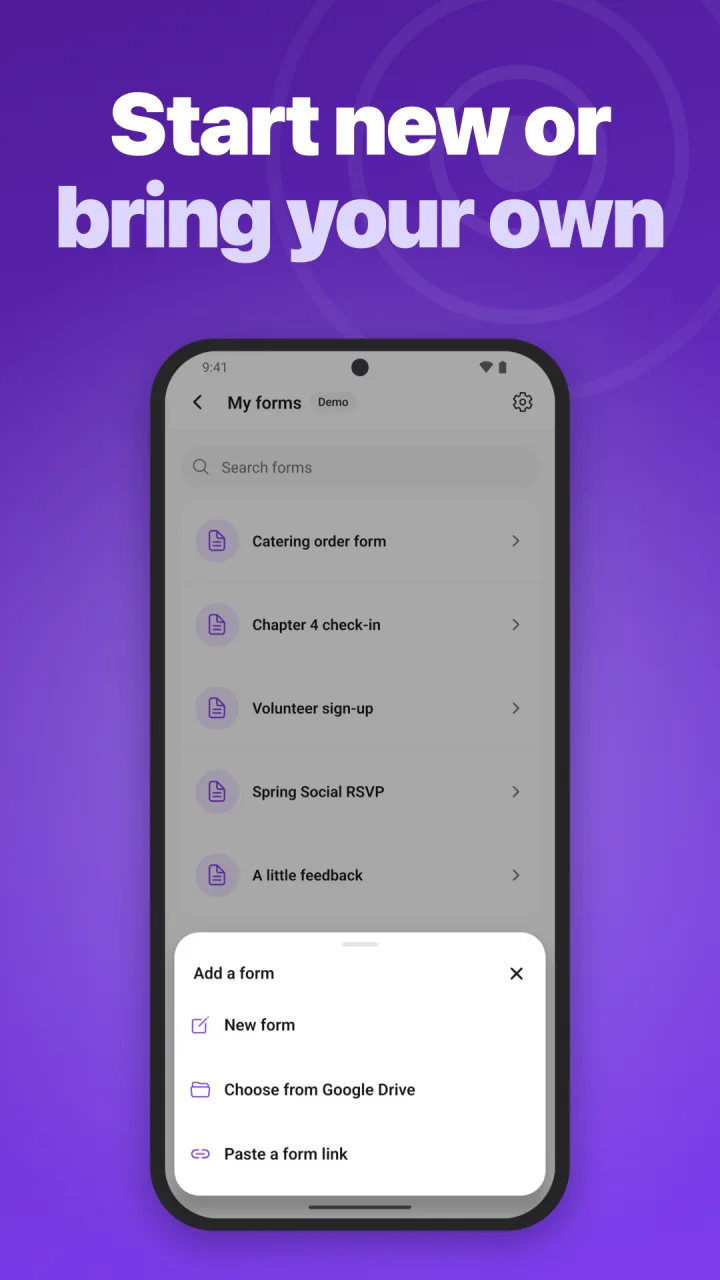
Bring your existing forms
Choose forms from Google Drive with Google's file picker, or paste a form's editor link. Formz only sees the files you create in it, pick, or open; it can't browse the rest of your Drive.
Share and collect responses
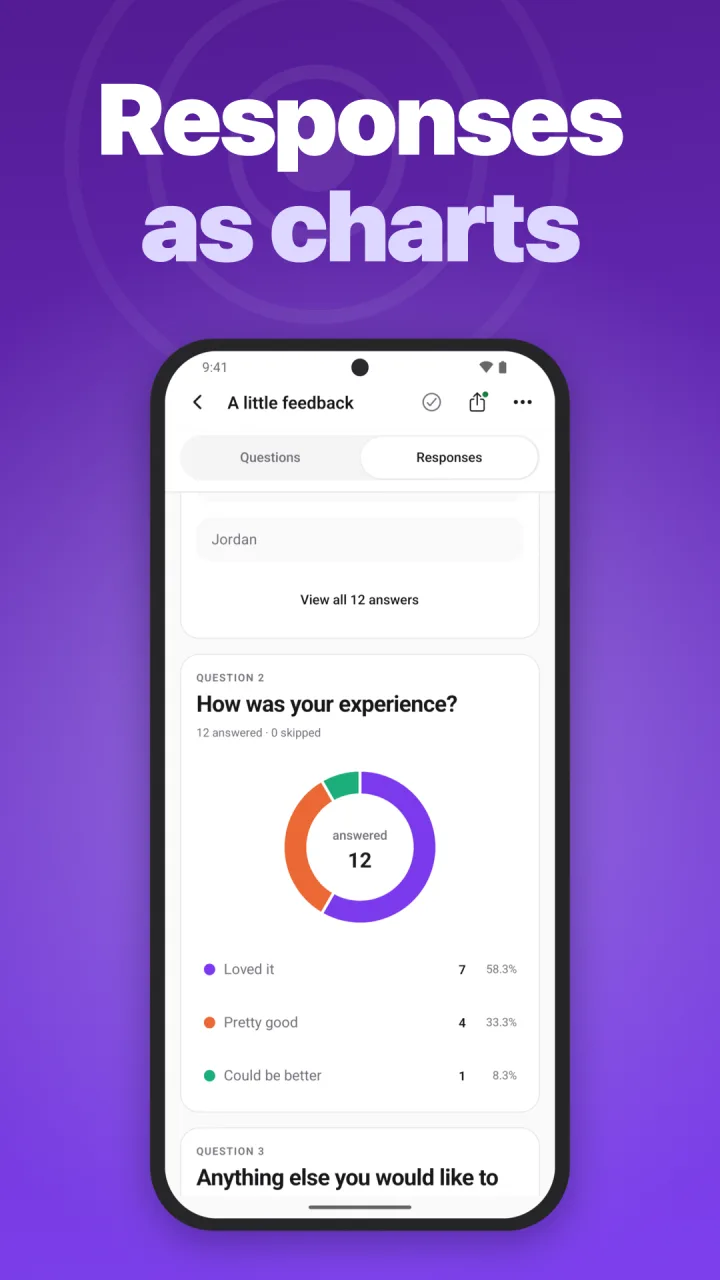
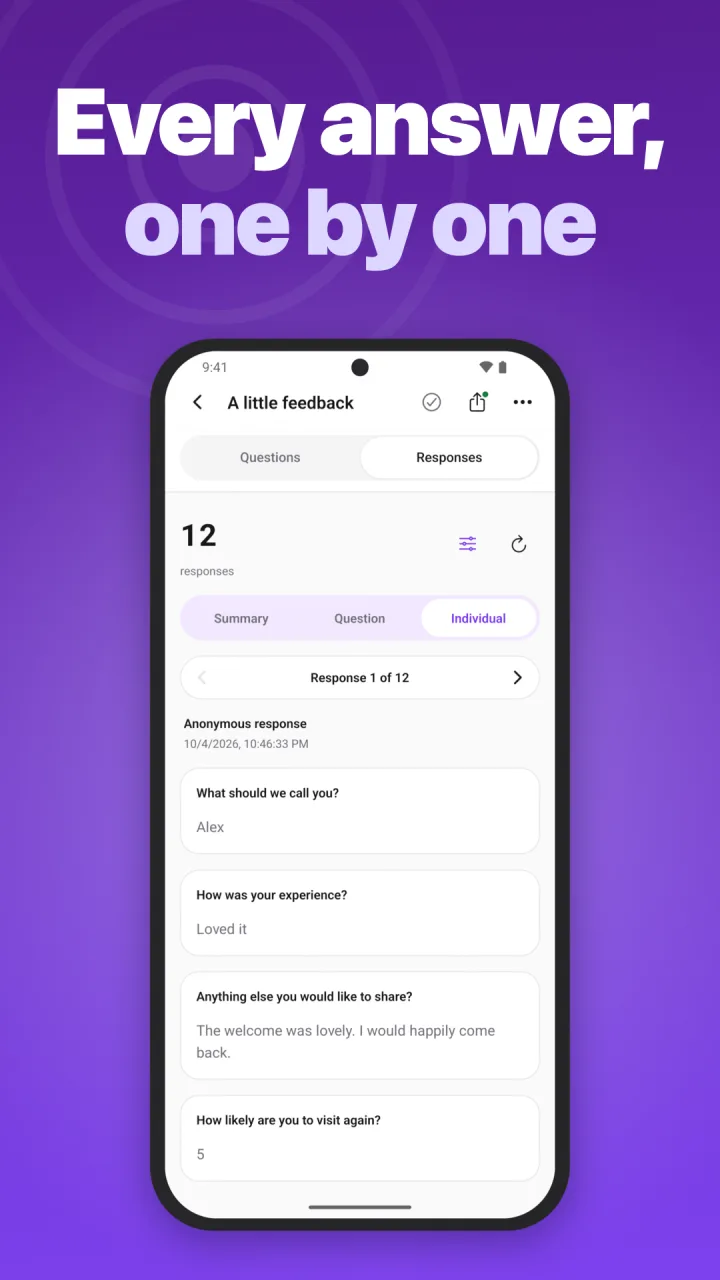
Publish a form and share its link from your phone. See responses as charts and as individual answers.
Try it first
Explore the demo without signing in. Demo changes stay on your phone and aren't saved.
Privacy
Formz has no ads or cross-app tracking. It uses your Google data only to work with your forms, never for AI or advertising, and doesn't keep copies of your forms or responses. Its usage analytics never include your form content. Delete your account any time in Settings. Read how Formz uses your Google data and the full privacy policy.
Availability and help
Free on Google Play for Android 7.0 or later, and coming soon to the App Store.
Support & FAQ · Privacy policy · Terms of use
Formz is an independent app by Xanthous Tech LLC and is not affiliated with or endorsed by Google. Google Forms and Google Drive are trademarks of Google LLC.